
Advising, career readiness and parent meetings all come down to a conversation. Students, faculty and staff practice them with AI characters, and every person gets a score on each skill, linked to the moment in the conversation that earned it.
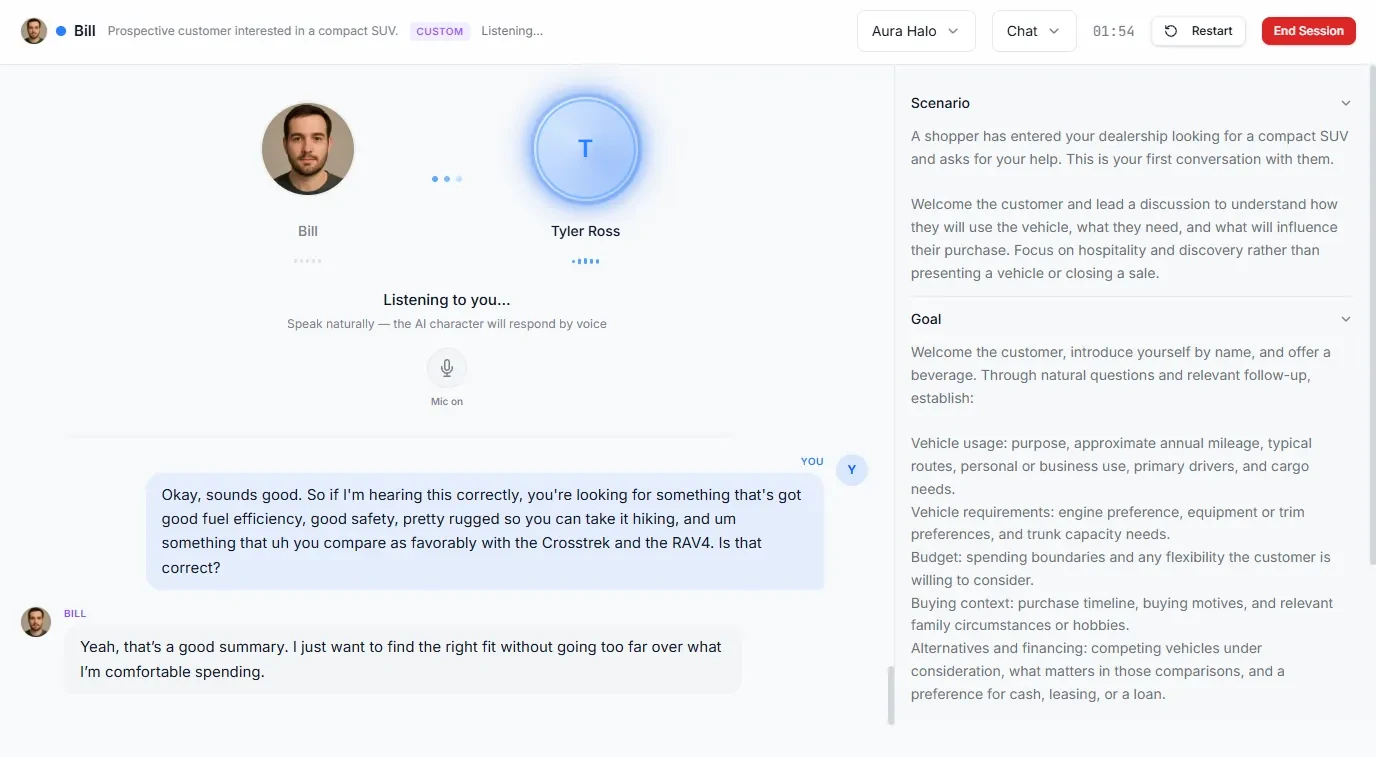
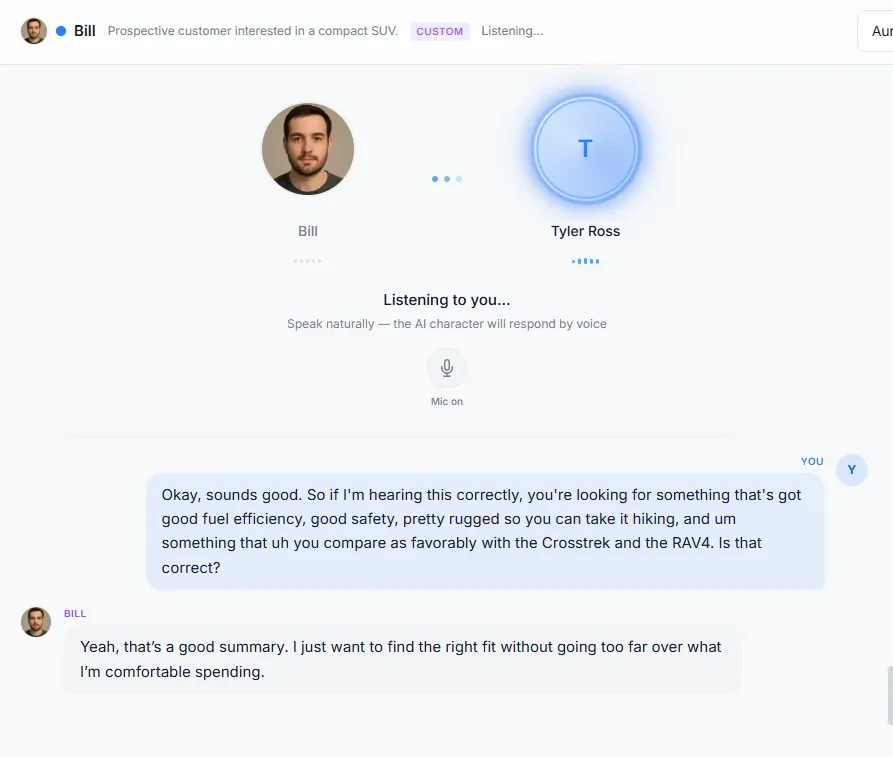

Universities and schools use myQuest to give students practice for interviews and career conversations, and to train faculty and staff for advising and parent meetings. Each conversation is scored on the skills that matter, per person, so programs can show readiness, not just attendance.
"My son says he did the work. Why is he failing this class?"
"Tell me about a time you handled a conflict on a team."
"I want to drop out. I'm not sure this is for me."
Scenarios use fictional characters, not student records.
See scores for each student, class or cohort, and download student reports as a spreadsheet (CSV) for your own reporting.
myQuest is ISO/IEC 27001:2022 certified and GDPR compliant, and never uses customer data to train AI models.
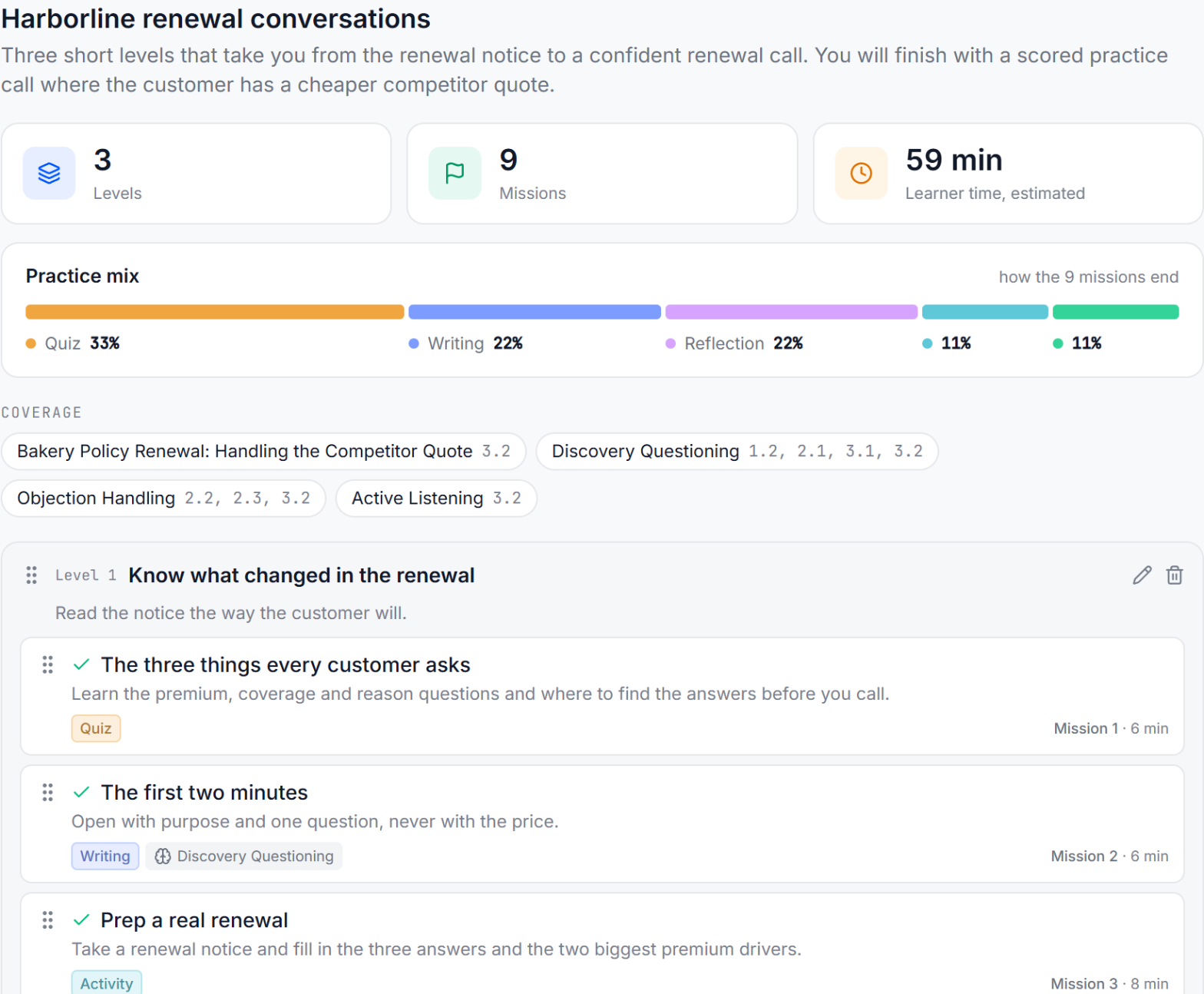
Give myQuest your course material, rubrics or advising guides. myQuest drafts a Quest from it. Your team reviews and edits it, and the Quest ends with a scored practice conversation that students or staff can take anytime.
Every student is scored on the same skills. Sort the cohort by skill, open any score to see the moment in the conversation behind it, and focus support on the skills where each student scored lowest.
Yes. Students practice interviews and career conversations with AI characters, in voice or text, and get a score on each skill, linked to the moment in the conversation that earned it.
Yes. Advisors, teachers and staff practice advising sessions, parent meetings and difficult conversations.
Yes. Load your own rubric or competencies, and every conversation is scored against it.
No. Scenarios use fictional characters, not student records.
A typical pilot runs 30 days. You'll work with a myQuest instructional designer who runs your pilot, and we'll decide together what success looks like.