
New hires take months to be ready, and an experienced colleague can only have a few new hires shadow them at a time. New hires practice their first calls with AI customers, and each person gets a 1-to-5 score on each skill, linked to the moment in the conversation that earned it, before anyone talks to a real customer.
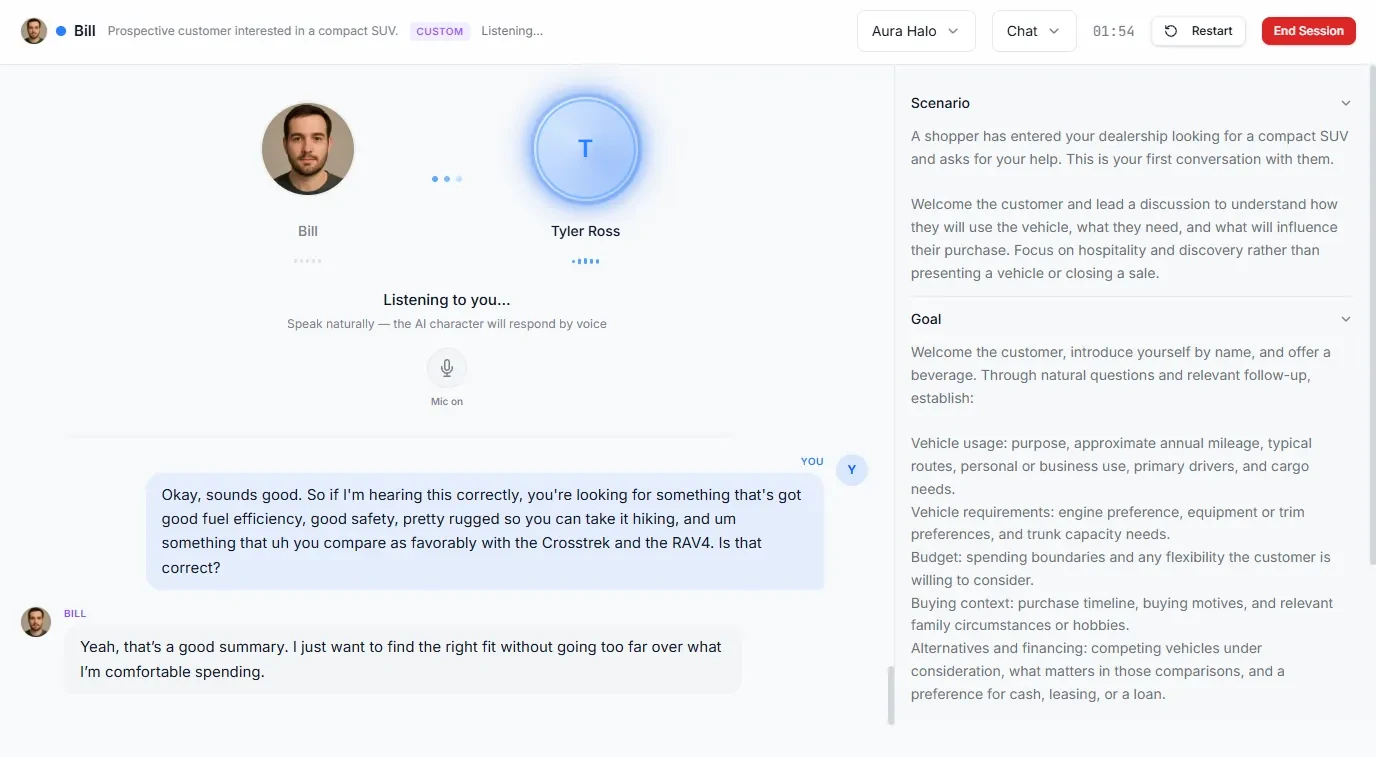

Onboarding and training teams use myQuest to give new hires practice on their first real calls before they take one. Each practice conversation is scored on the skills the role needs, so managers can see who is ready for live calls and who needs more practice.
"I've got five questions and ten minutes. Can you help?"
"Does it work with our system or not? I need a straight answer."
"I've used your competitor for years. Convince me you know this."
Use skills from the myQuest skill library, or your own competency model. Every skill is scored 1 to 5 on every attempt.
Asks short questions that find what the customer needs before explaining anything.
Gives a clear, accurate answer in plain words and checks that the customer understood.
Ends the call with a concrete next step the customer agrees to.
Give myQuest your onboarding guide, product sheets or call scripts. myQuest drafts a Quest from it. Your team reviews and edits it, and the Quest ends with a scored practice conversation a new hire can take on day one.
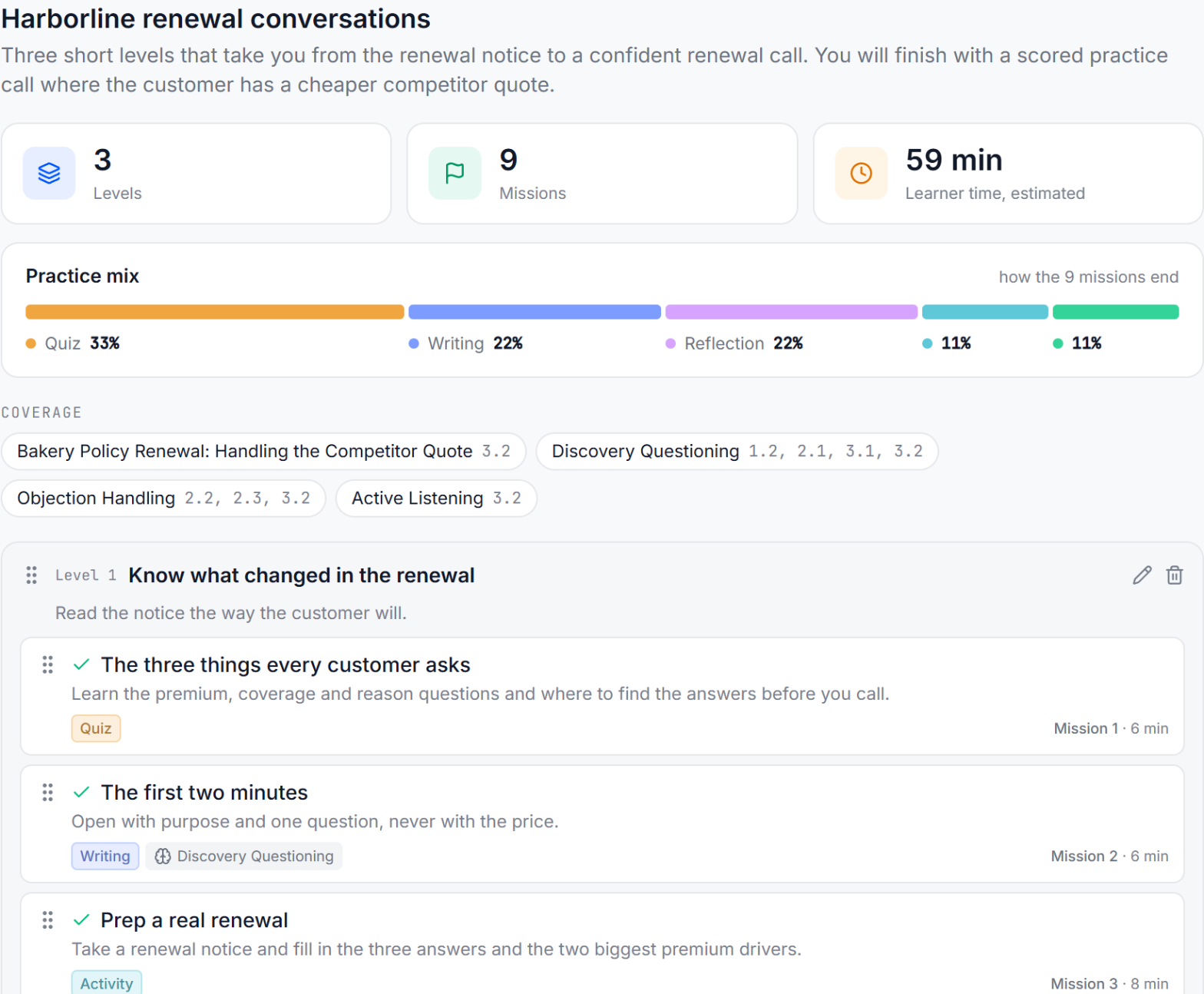
Every new hire is scored on the same skills. Sort the cohort by skill. Open any score to see the part of the conversation that produced it. Then assign more practice on the skills where they scored low.
Yes. New hires practice their first customer calls with AI customers, in voice or text. Each person gets a 1-to-5 score on each skill, linked to the moment in the conversation that earned it.
Yes. Quests are built from your onboarding guides, product sheets and call scripts, so new hires practice the calls they will actually take.
Every practice conversation is scored 1 to 5 on each skill. Managers see scores per person and per cohort, and can open any score to see the moment in the conversation behind it.
No. It gives every new hire practice, so shadowing time goes to the people who need it most.
A typical pilot runs 30 days. You'll work with a myQuest instructional designer who runs your pilot, and we'll decide together what success looks like.